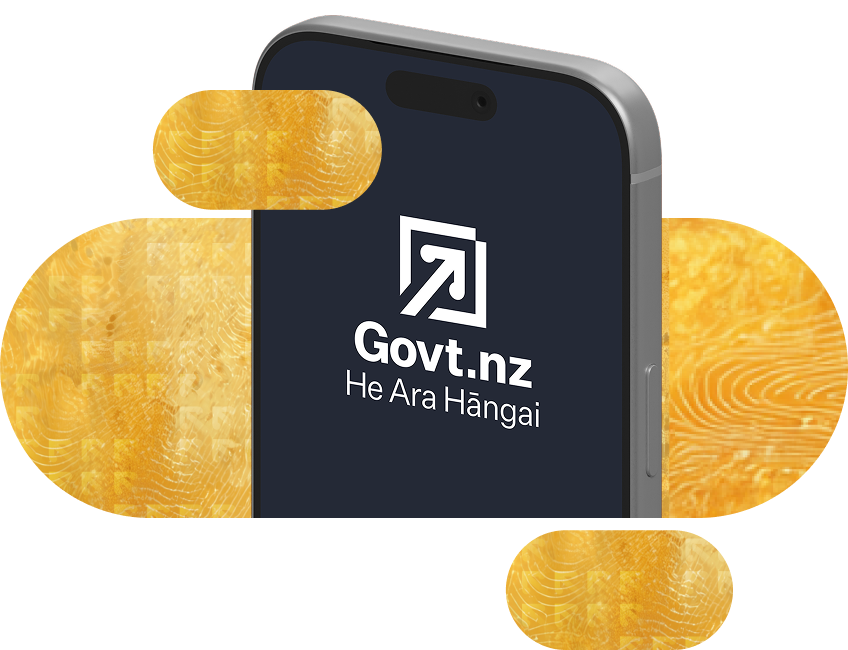
The Govt.nz app — all your key services, your way
Download the free Govt.nz app to access key government services quickly, securely, and in one place. No account or login needed.


The Govt.nz app — all your key services, your way
Download the free Govt.nz app to access key government services quickly, securely, and in one place. No account or login needed.
Key features of the Govt.nz app

Get emergency alerts for locations you care about
Receive official emergency alerts and severe weather warnings from multiple agencies in one place.
Set up your digital wallet for upcoming credentials
Set up your digital wallet now and get ready for the release of digital credentials, coming October 2026.
Access services and find information
Access simplified app-friendly services from across government. Browse by topic or life stage.
Pin tools to your home screen
Pin government tools and contacts you use regularly to your home screen for quick access.
Govt.nz app privacy and security

You’re in control of what gets switched on
Location preferences, notifications, digital credentials are all opt-in – nothing happens until you switch it on or share it.
Your information is protected on your device
Your information is encrypted on your device. Use your devices’ biometrics, like fingerprint or face recognition to unlock it.
Strict device version and security requirements
To protect your information, the app will only work on Android 13 or later and iOS 18 or later.
The government does not track you or your activity
We do not associate usage with a specific individual or track user activity or location within the app.
Getting started is easy
- Download the Govt.nz app
Setup your device to receive emergency alerts for the places you care about (optional).
Set up your digital wallet now so you’re ready for digital credentials as they become available throughout 2026.
Pin your favourite calculators, widgets and contacts to your home screen (optional).
Support and feedback
Learn how to use the Govt.nz app and get help with common issues. Find accessibility information and ways to share feedback.
Terms and policies
Understand the terms for using the Govt.nz app and how we protect your information. Learn about copyright and how to report security issues.
Te reo Māori name
‘He Ara Hāngai’ is the Govt.nz app’s te reo Māori name. It comes from the app’s tagline ‘Your Trusted Digital Pathway | He Ara Hāngai, he ara māmā’.
The name and tagline reflect the vision of the Government Digital Delivery Agency (GDDA), the organisation that developed the app.
Utility links and page information
Last updated